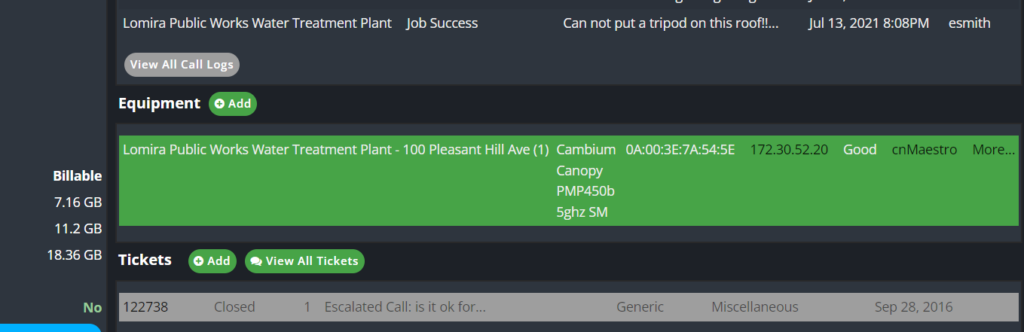
Add Static to Account
Note: This is normally completed by the Engineer. You will want to double-check to make sure it is in PC before giving it to the customer and verify that it is routed by pinging the Gateway in Command Prompt.
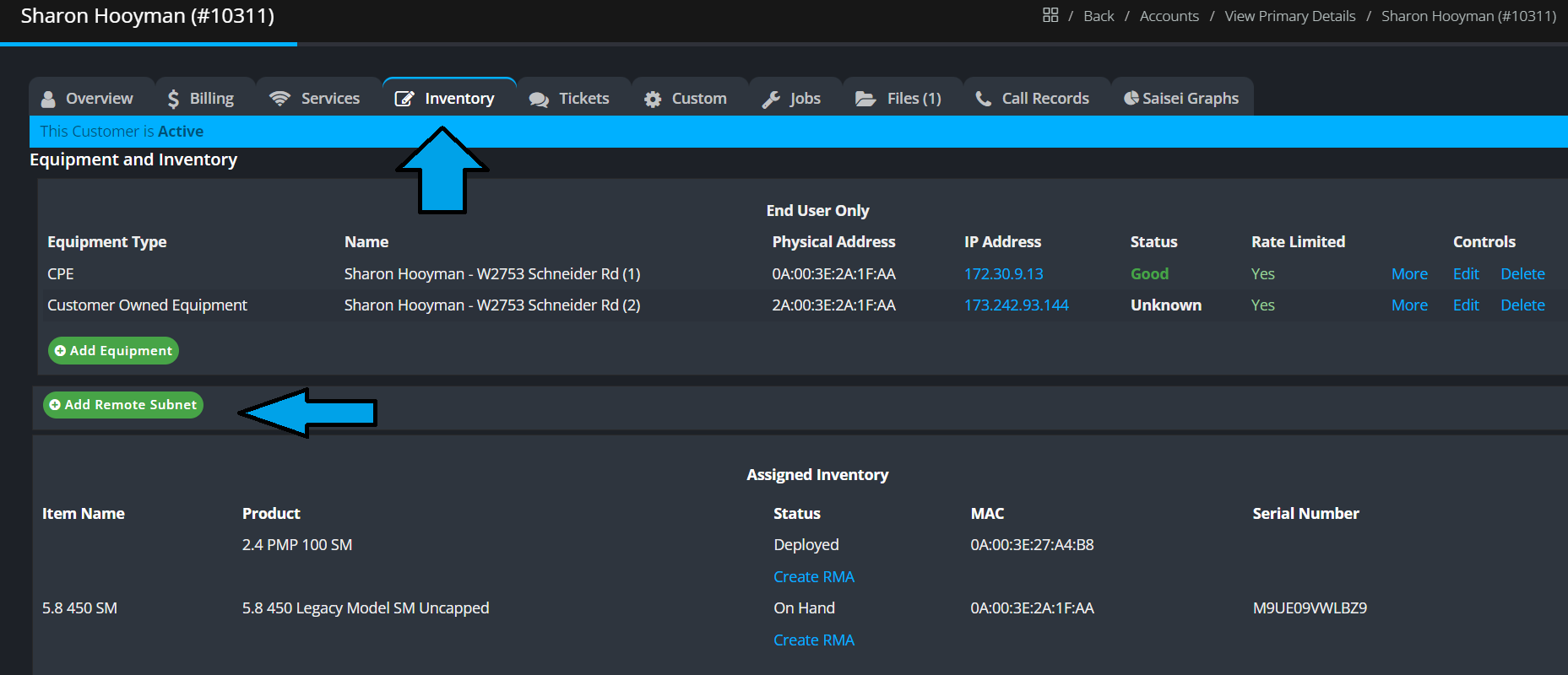
- Go to the Inventory Tab
- Click Add Remote Subnet
- The Network is 1 below the Gateway ( 162.210.61.163 Gateway = 162.210.61.162 Network)
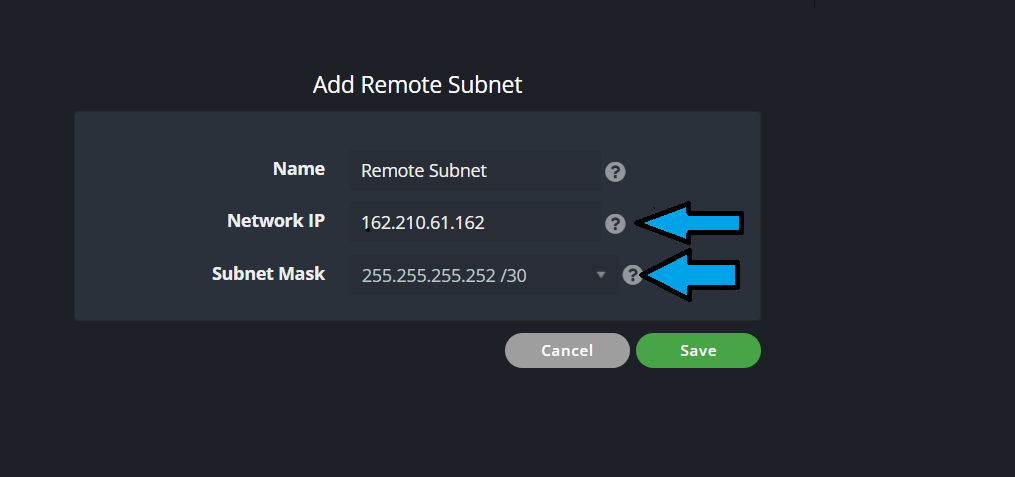
- Input the Network IP
- Select the Subnet Mask from the drop-down ( will only be /29 or /30 )
- Click Save
Giving IP info to the Customer:
- Delete the customer’s router from the account
- Login to the Radio and BRIDGE the radio. For Information on Bridging visit this Bridging a SM
- Provide the Usable IP
- Subnet Mask
- Gateway
- Primary and Secondary DNS
- The customer has to put all this information in their router before they can get online.