
Adding a new payment method
We’re able to add credit and debit cards in over the phone, but an ECheck account must be added by the customer in the Customer Portal.
To add a new payment method:
1) Open the customer’s account, then click on the ‘Billing’ tab.
2) Click on ‘Add’ in the ‘Credit Card/Bank Account’ box. 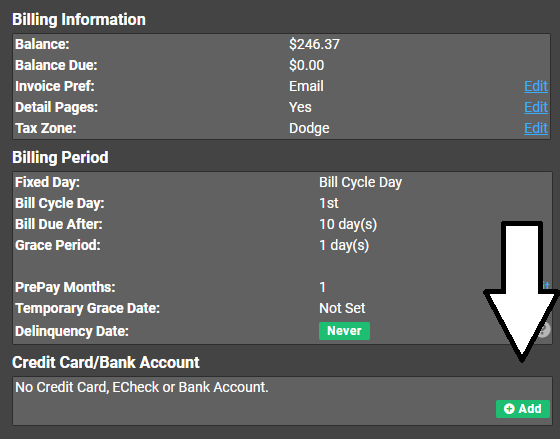
Note: we do not require a security code, as the payment provider we use, ProPay, does not require one.
Running a payment through
1) Click on the ‘Billing’ tab.
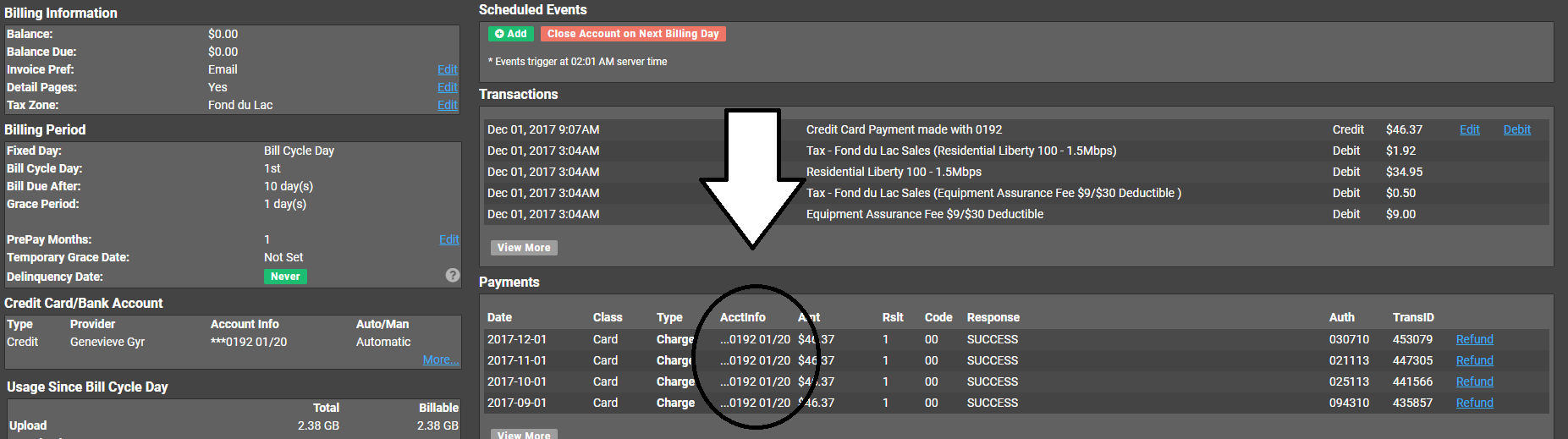
2) Look at their previous payment history.
Take a glance at the payment history and see what card or account the last few transactions have taken place on.
3) Run the payment through
If the previous transactions were run on a credit card, verify they want this on that credit card, then run it through using the ‘Submit Echeck or CC Payment’ option.