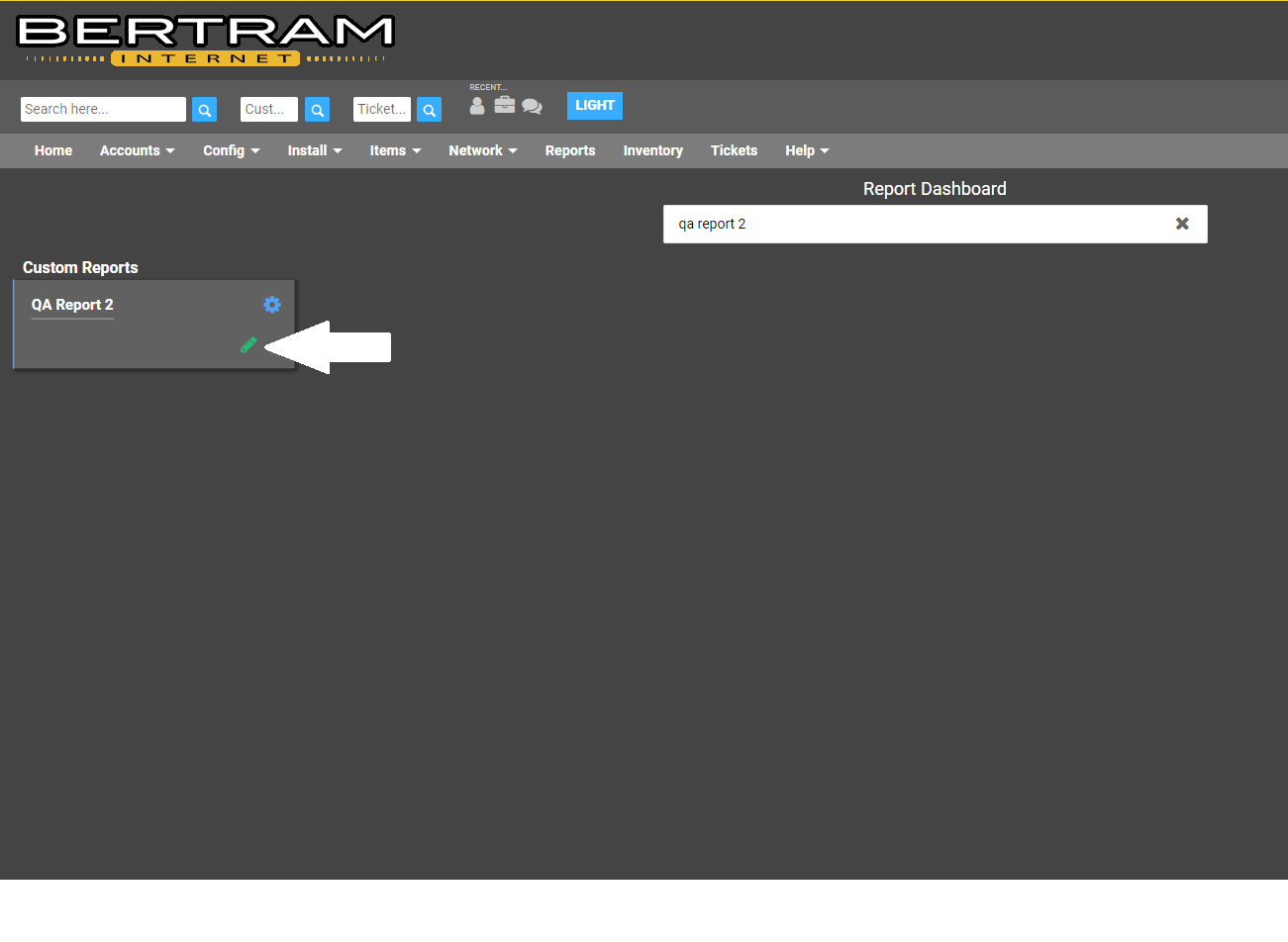
- Go to Reports and search for QA Report 2.
- Click on the settings gear to access the edit option
- In the MySQL box, scroll to the bottom. Here you will find DATE(‘2018-8-21’). Change the date in this section to today’s date. Entered in the year/month/day format.
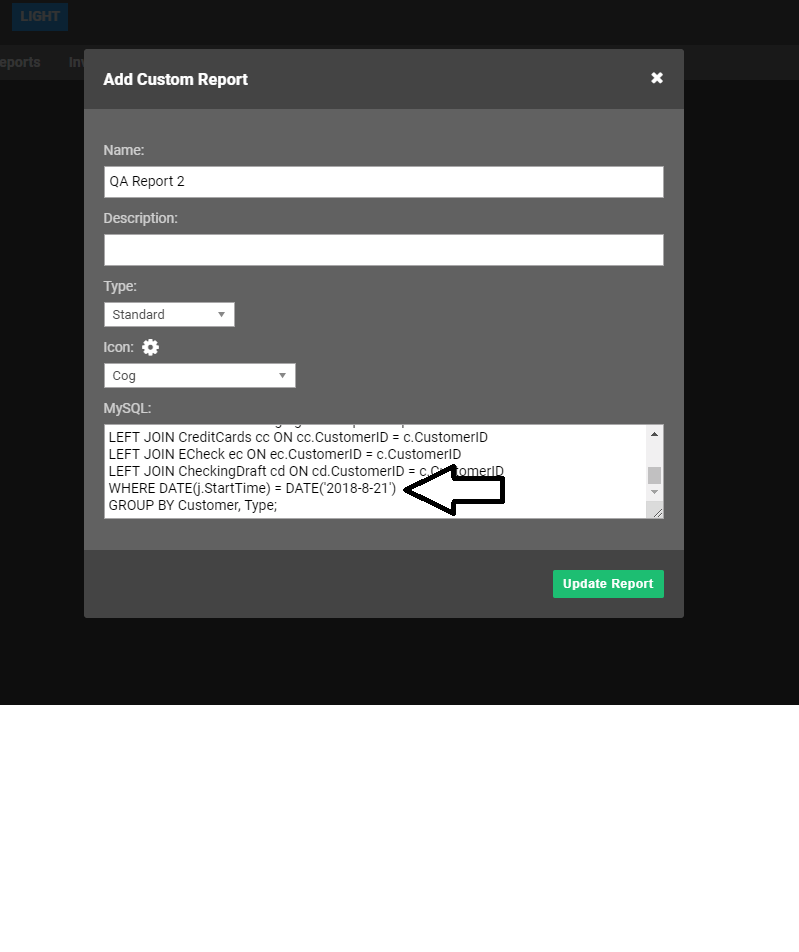
- When the correct date is entered, click Update Report.
- Click on the QA Report 2 button to run report.
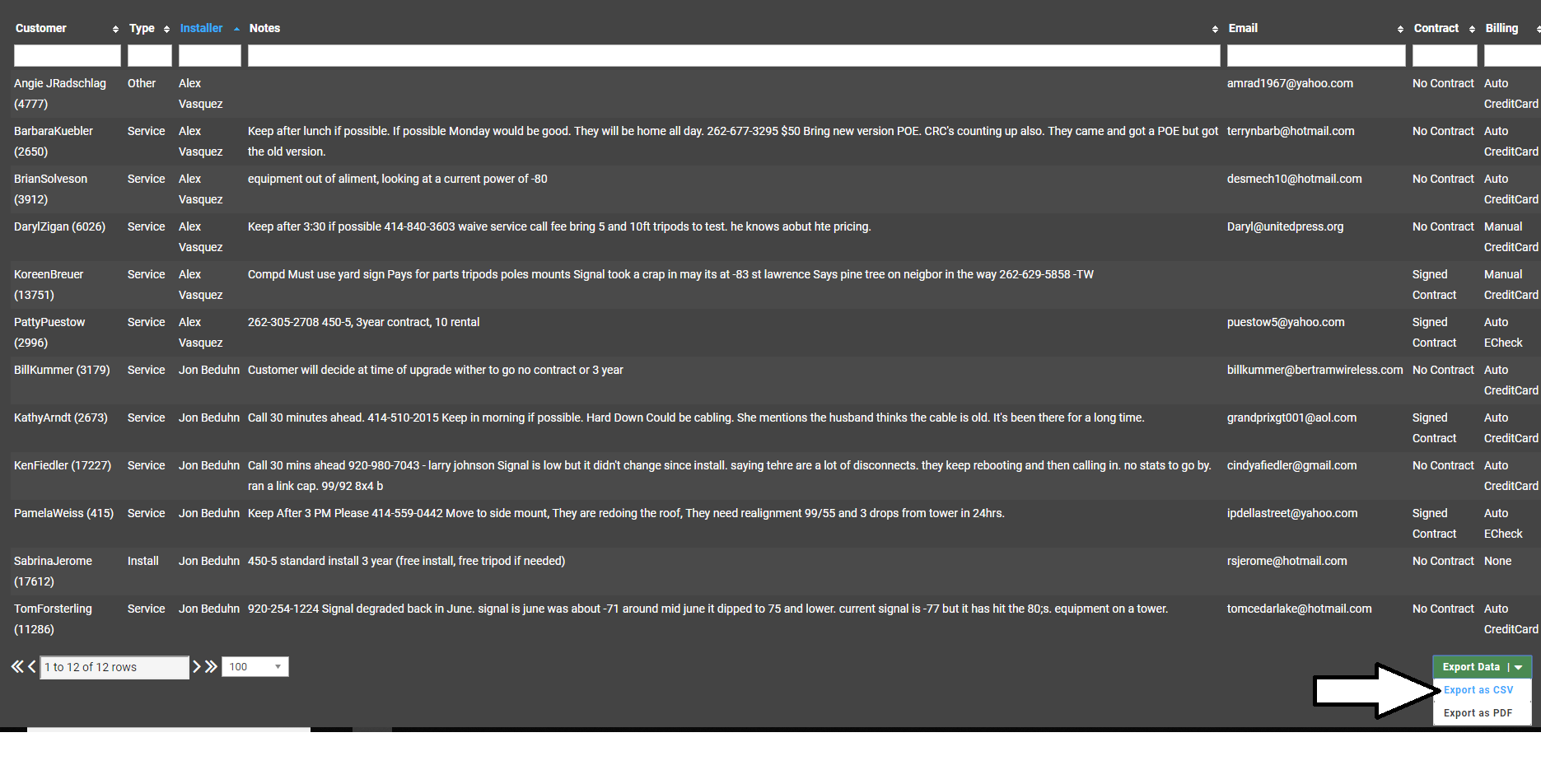
- When the report is generated, it will show up in this format-
- Click the installer header to organize the jobs by installer.
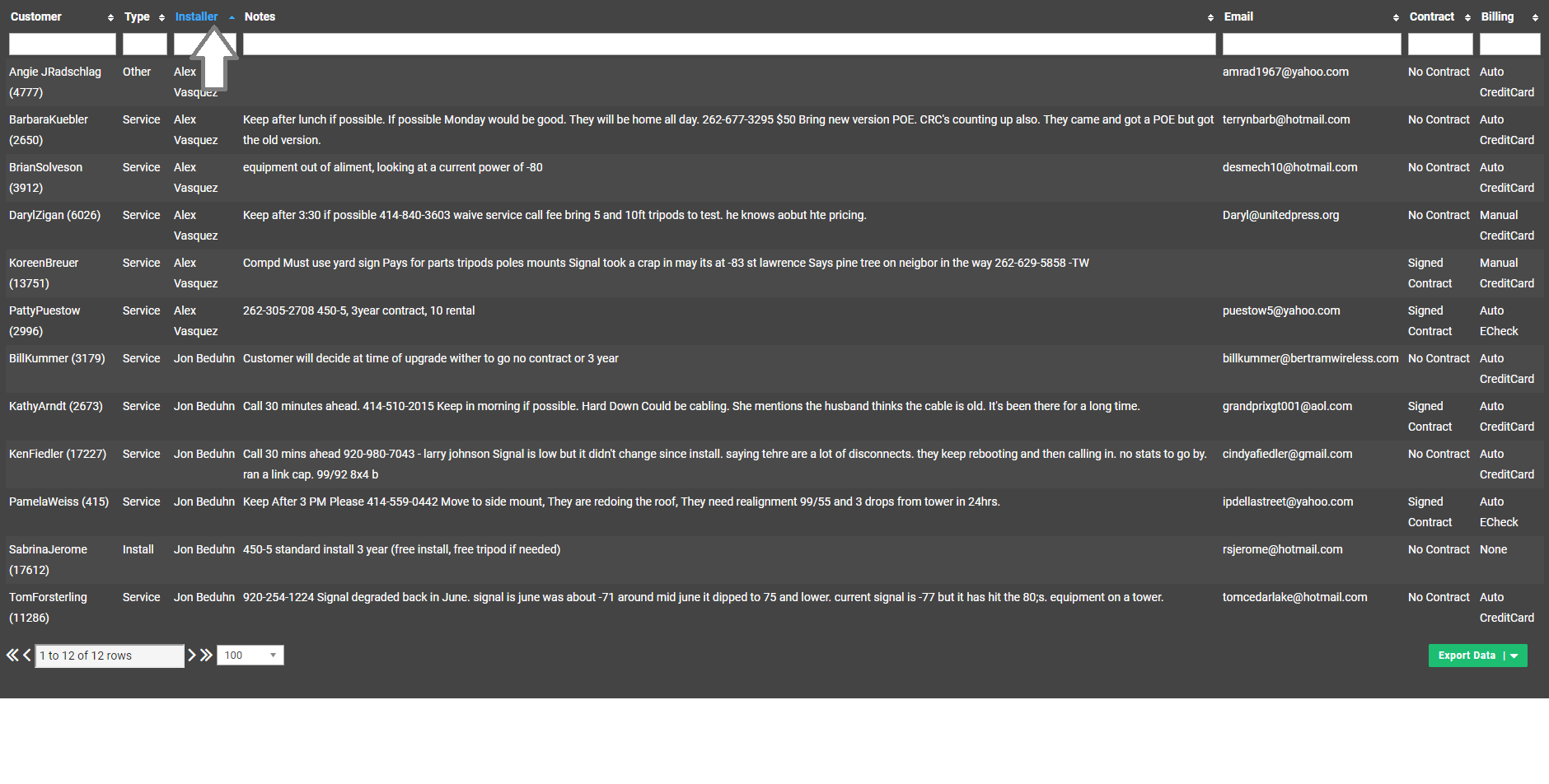
- Click the installer header to organize the jobs by installer.
- Choose Export Data- Export as CSV
- Open in Excel- removed any jobs that were pickups, site survey or a fail
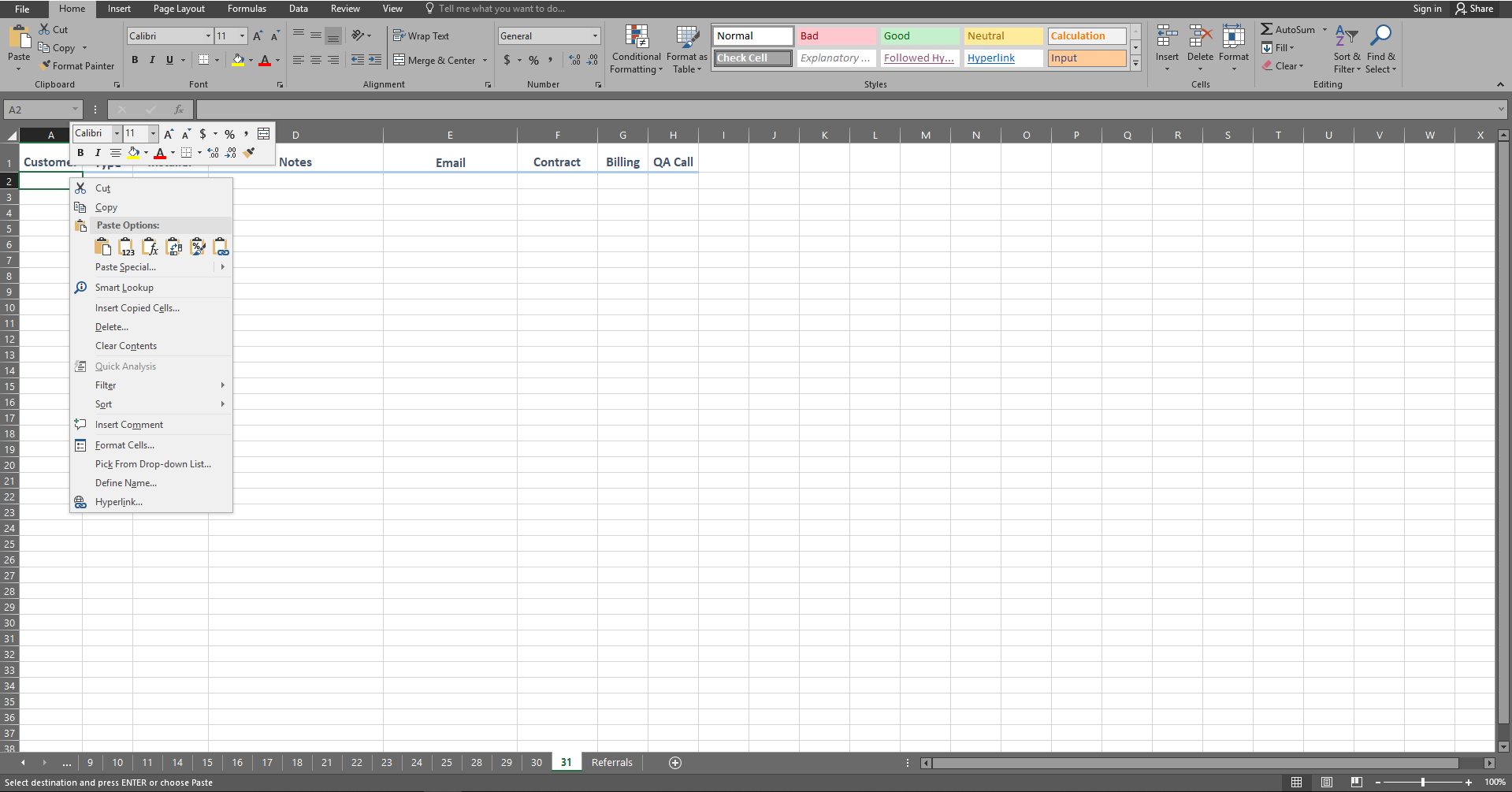
- Copy the remainder of the jobs onto the monthly QA Form