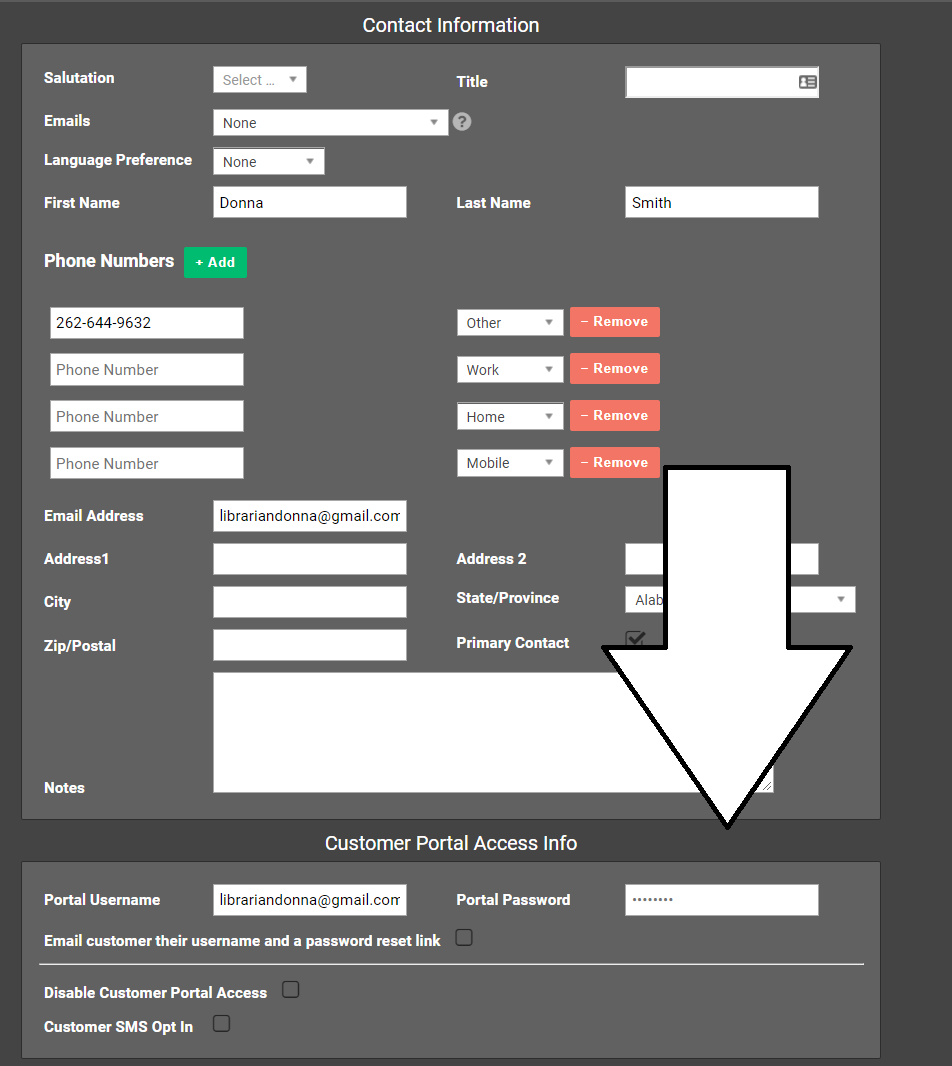
Customer Portal
In the customer portal, users can see their data usage, run a speedtest, look at the equipment on their account, and manage billing.
It can be accessed at powercode.bertramwireless.com, or by going to the Bertram Internet homepage, then clicking on ‘Customer Center’ in in the top right menu.
Note: Contracts must be signed at powercode.bertramwireless.com:446.
Setting up a customer portal account or changing a password:
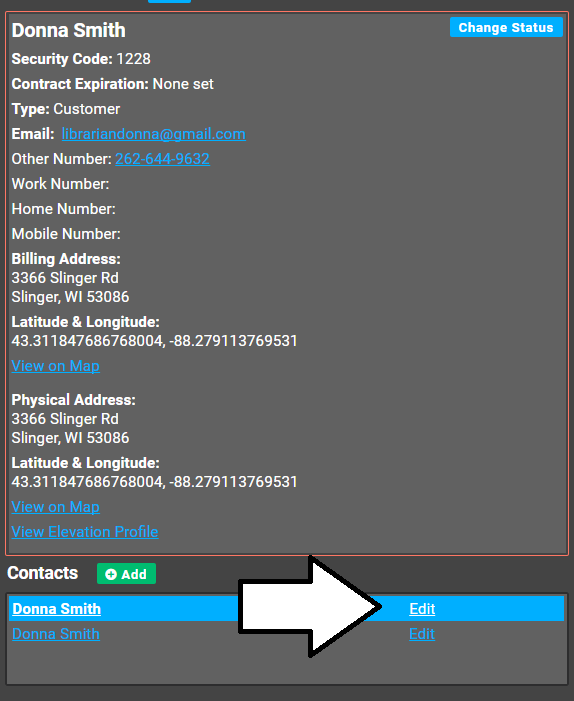
1) Click on ‘Edit’ under the contact on file.
2) Change the password on it, and have the customer try logging in.